
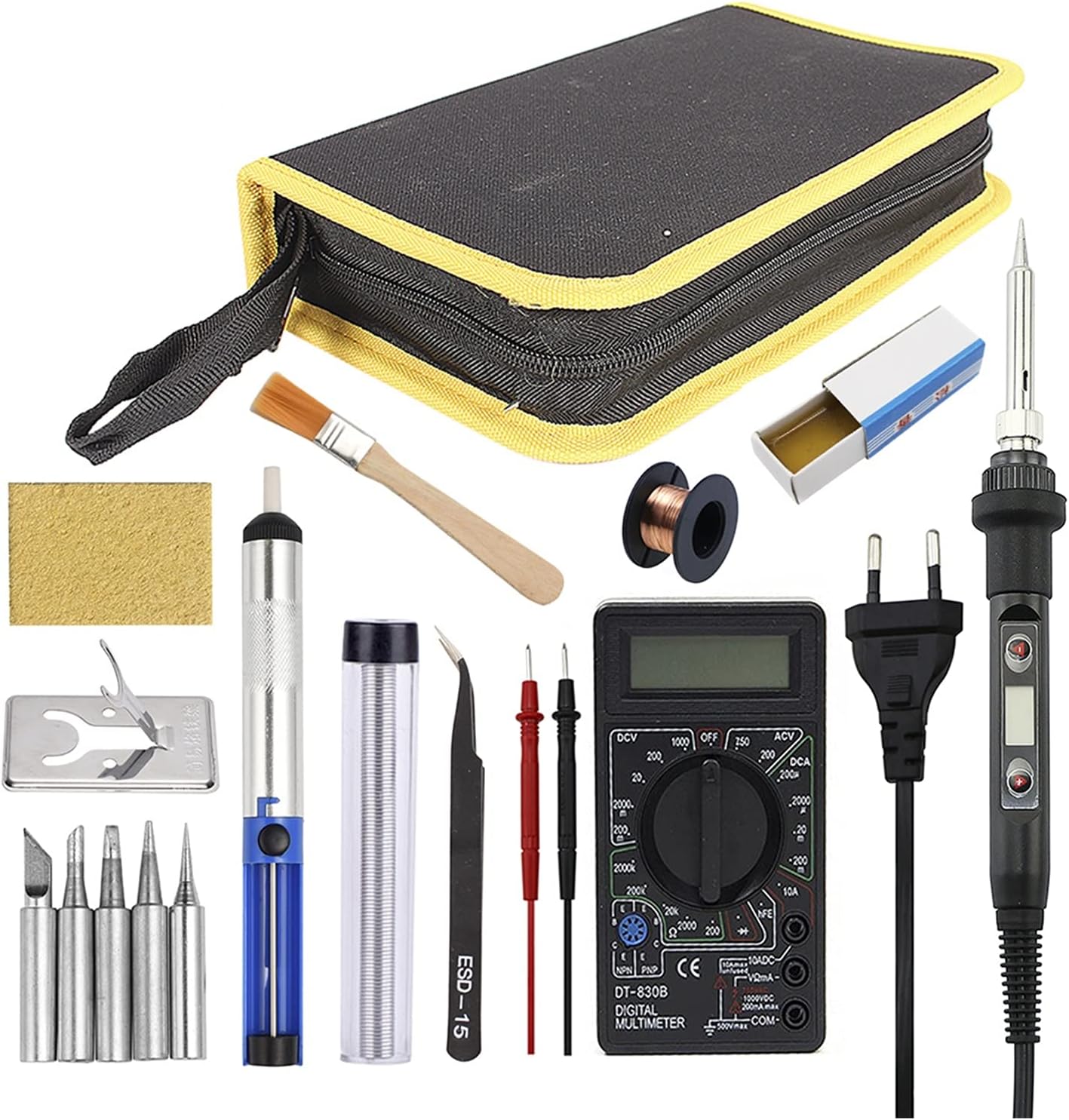
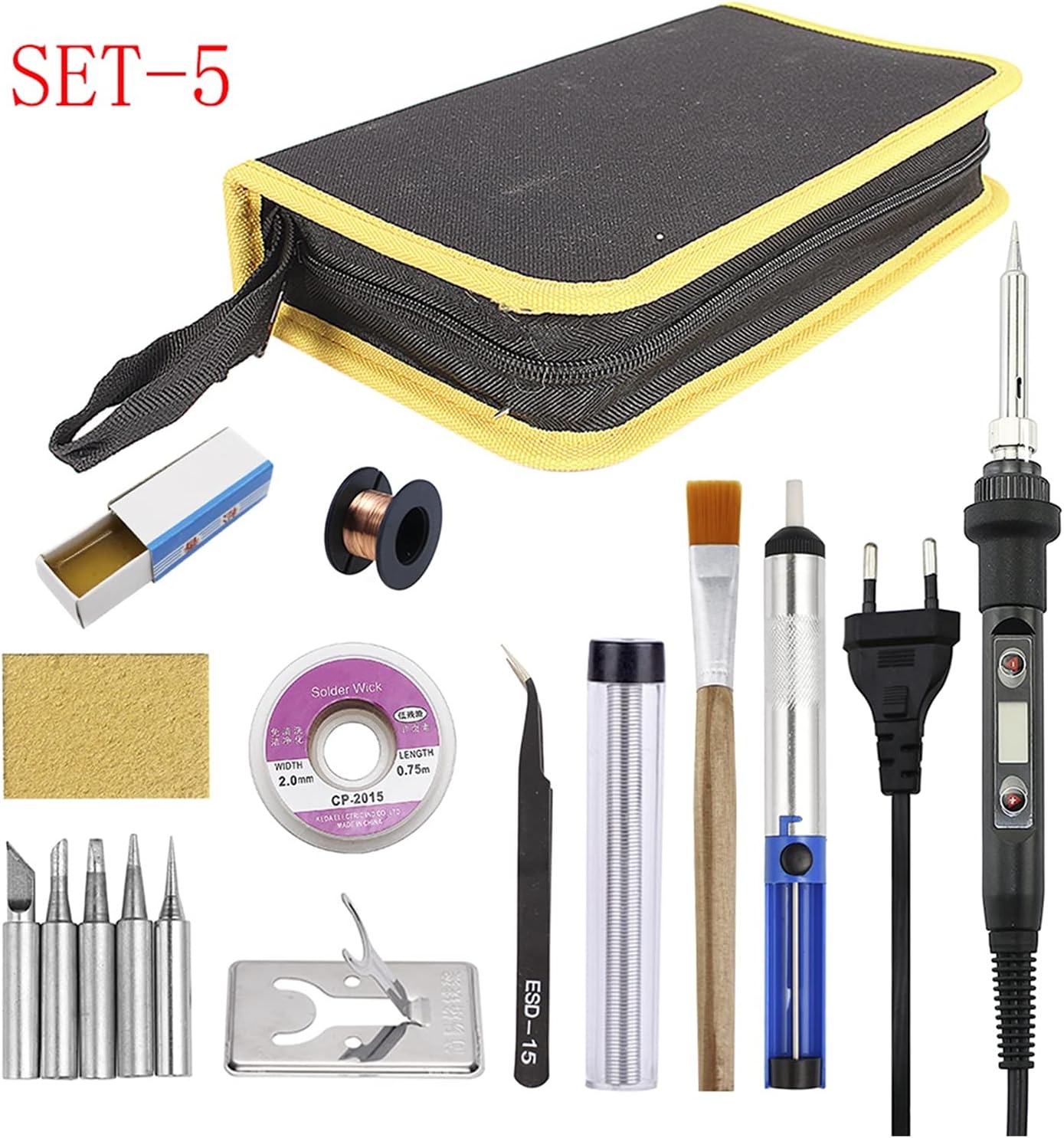
Soldering Station 80 W Soldering Iron Temperature Adjustable LCD Digital 110 V 220 V Electric Iron Set Solder Rework Desoldering Station Repair Kit (Colour: Set-2) (Set)
Product details
| Management number | 247337185 | Release Date | 2026/08/16 | List Price | US$113.48 | Model Number | 247337185 | ||
|---|---|---|---|---|---|---|---|---|---|
| Category | |||||||||
80W Adjustable Temperature Soldering Iron Soldering Iron Specifications: Voltage: AC220-240V OR AC100-130V Power: 80W Frequency: 50Hz/60Hz Temperature Range: 180~500℃/356~932℉ Temperature Stability: ±5℃ Heating Type: Wmore Ceramics Element Soldering Iron Tips: 900M-B1.2 Wire Length: Length: 1.4m / 55.12in Soldering Iron Size: Approx.242*25*25mm/9.6*0.98*0.98in Soldering Iron Weight: Approx.96g/3.4oz Package Size: Approx. 254*55*35mm/10*2.2*1.4n Package Weight: Approx. 139g / 4.9oz Temperature operation Press the (+) button once to increase 1℃; press and hold it to increase temperature continuously. Press the (-) button once to reduce 1℃; press and hold it to reduce temperature continuously. The newly set temperature will be saved after 3 seconds,and will keep the temperature for next time powering-on.When (℉) or (℃) symbol flashes, it means the heating core has not reached the set temperature. Temperature Calibration: 1.After 60 seconds of power on, put the soldering tip on a thermometer, and a moderate amount of solder on the soldering tip; make the test point and the soldering tip have good touch. 2.When thermometer displays a stable temperature (about 2 seconds), write down the temperature. Operational attention Parameter setting: 1.To press the red and white button both at the same time before it is power on, power on,after the LCD is working,stop to press the button, you will enter the setting menu.The LCD shows (F) or (C) 2.Press the white button to choose C(degree centigrade) or F(Fahrenheit).Press the Red button to choose Element U20(JCD01),U20. (JC JC D02),U30(JCD03),U40(JCD04). 3.Pressing the (-) and (+) at the same time to save your setting operation and quit the setting menu(finished) To protect the user from scald, when on the setting menu, it will stop heating. Failure warning indication T
- Voltage: AC220-240V OR AC100-130V
- Power: 80 W, frequency: 50 Hz/60 Hz
- Temperature range: 180~500℃/356~932℉
- Temperature stability: ± 5 °C
- Heating type: Wmore ceramics element
| ASIN | B0BMFXV2PY |
|---|---|
| Manufacturer | FTRHXGTHGDXFEGT |
| Power Source | Corded Electric |
| Manufacturer Part Number | 18066 |



Bestseller ranking
Marble Tile


Customers who viewed this product also viewed
Irons




Correction of product information
If you notice any omissions or errors in the product information on this page, please use the correction request form below.
Correction Request Form